Basis
€25
The app, one-time on the App Store
Everything to run events:
- Unlimited events and booths, with your Canon, your Sony or the iPad camera
- Photo strips and GIF
- Printing
For photobooth rental businesses. You buy the iPad app once on the App Store, design events in the web app, and every photo lands in your own Google Drive or Dropbox and reaches your guests. As many events and iPads as you like.
30 days free, no card needed. The monthly payment only starts when you start it yourself in the web app: €7 a month excl. VAT; VAT is added where it applies. Renews automatically every month until you cancel. First payment after the 30 free days. Cancel in the web app, any month, no minimum term.
You need both: the app (€25, one-time) and the monthly payment for the servers it runs on.
The app costs €25, once. Pro and Luxe are one-time upgrades. What you buy stays yours.
Required to use the app: it pays for the servers it runs on and their upkeep. Excl. VAT. Cancel any month, no term.
Your accent colour on the iPad, in the web app and in every gallery. With Luxe, your own logo too.
Your photos are in your own Google Drive or Dropbox, in a folder per event. The galleries load them from there.
You set up an event on your laptop. At the event, the iPad does the rest.
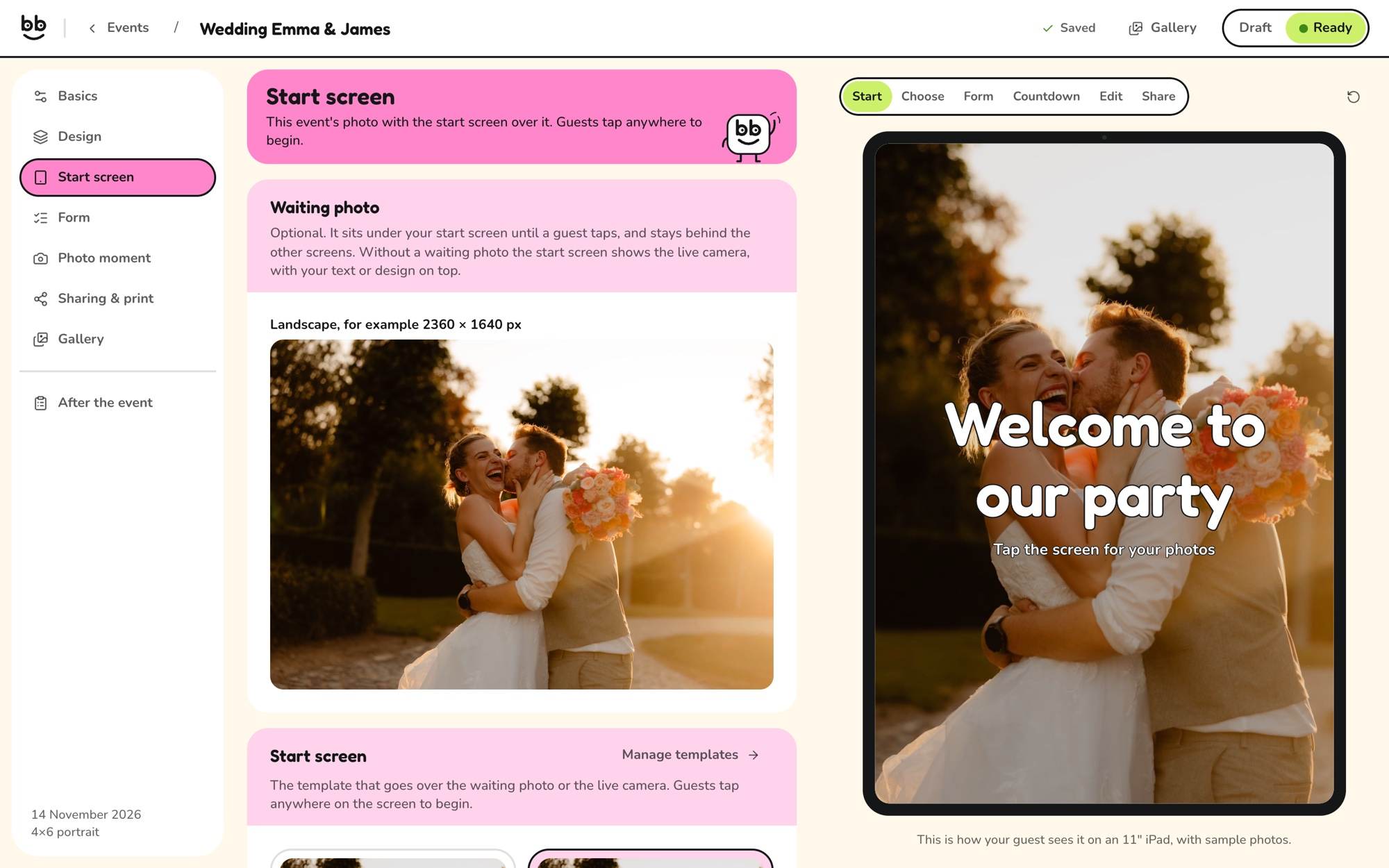
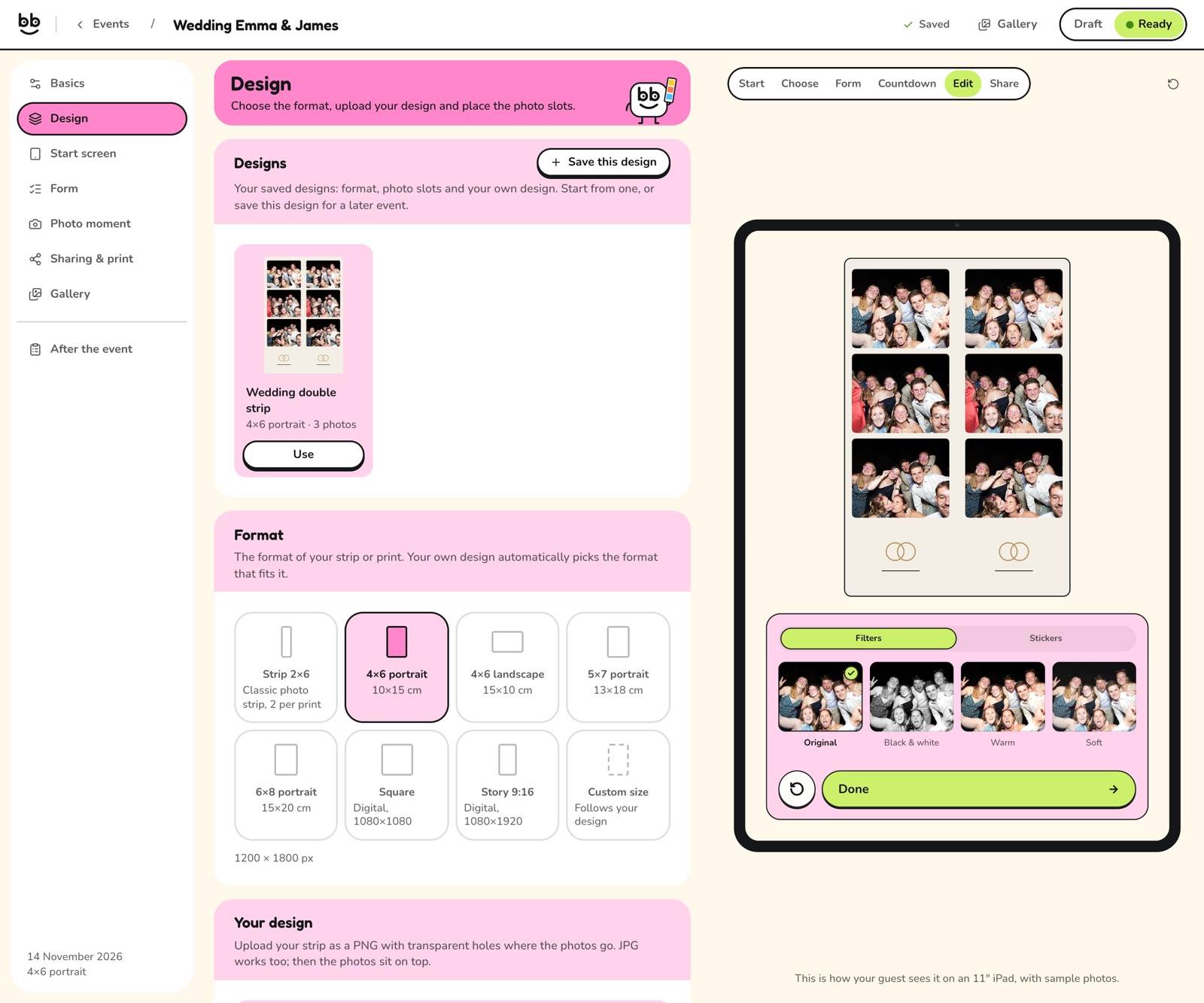
Pick the format, set up the start screen and decide what guests can do. On the right you see exactly how it looks on the iPad.
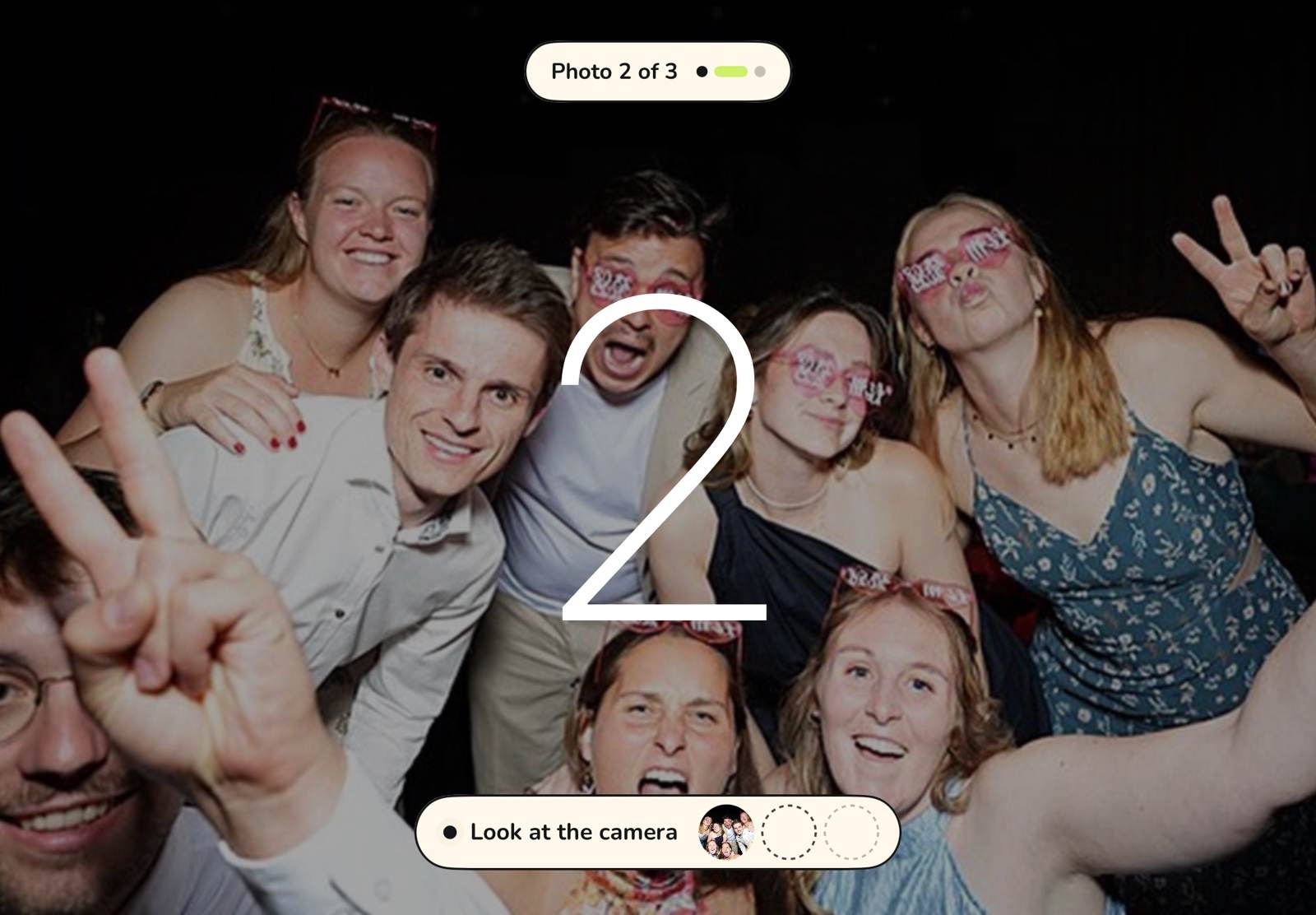
The iPad fetches the event and then works without internet too. Your Canon or Sony plugs into the USB-C port; guests see themselves live.
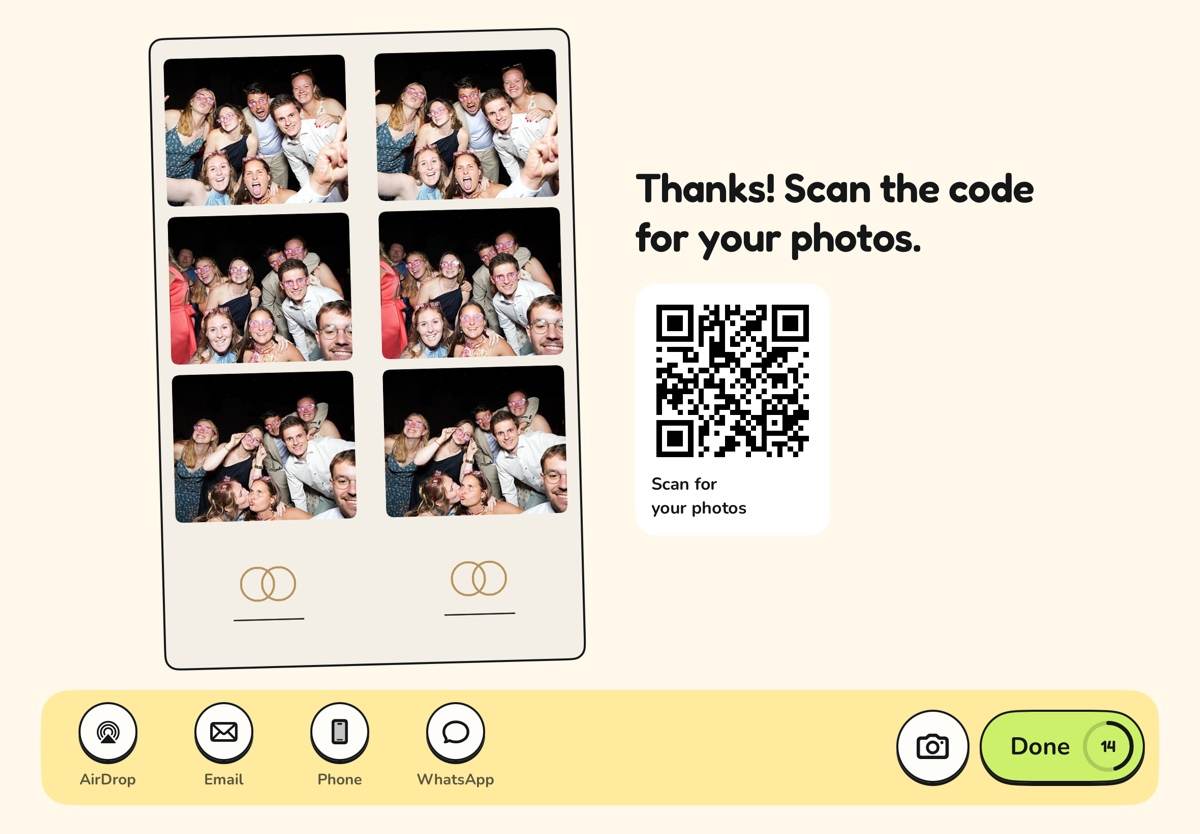
The strip comes out of your DNP. Guests scan the QR code or get their photos by AirDrop, email or SMS. Everything lands in your Drive or Dropbox.
2×6 strip, 4×6 portrait or landscape, 5×7, 6×8, square or story. With Pro you upload your own design as a PNG: the transparent areas are picked up as the photo slots. Next to it, the iPad shows exactly what your guests will see.
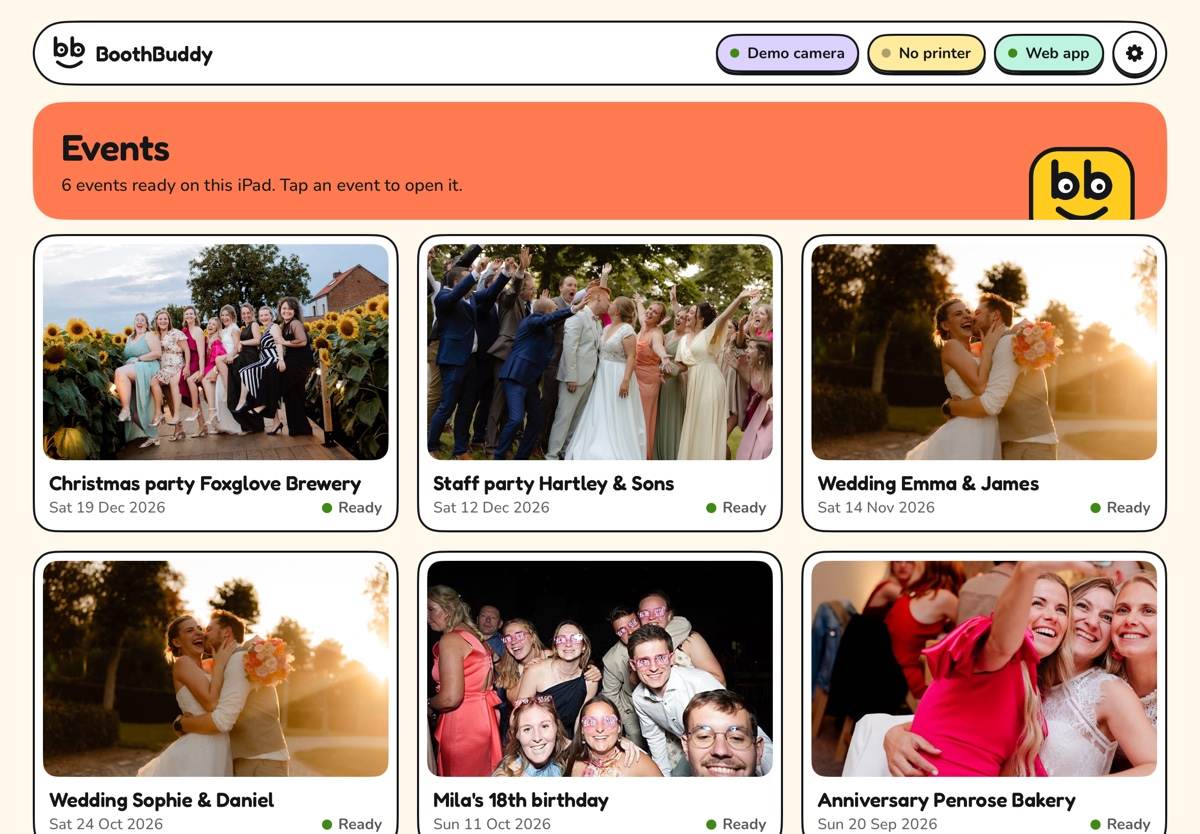
Your accent colour runs through the web app, the iPad and every guest's gallery, and it colours every button. On a dark colour, the text turns white by itself. Basis and Pro show the BoothBuddy logo; with Luxe, your own logo takes its place, in the web app, on the iPad, in galleries and in email.
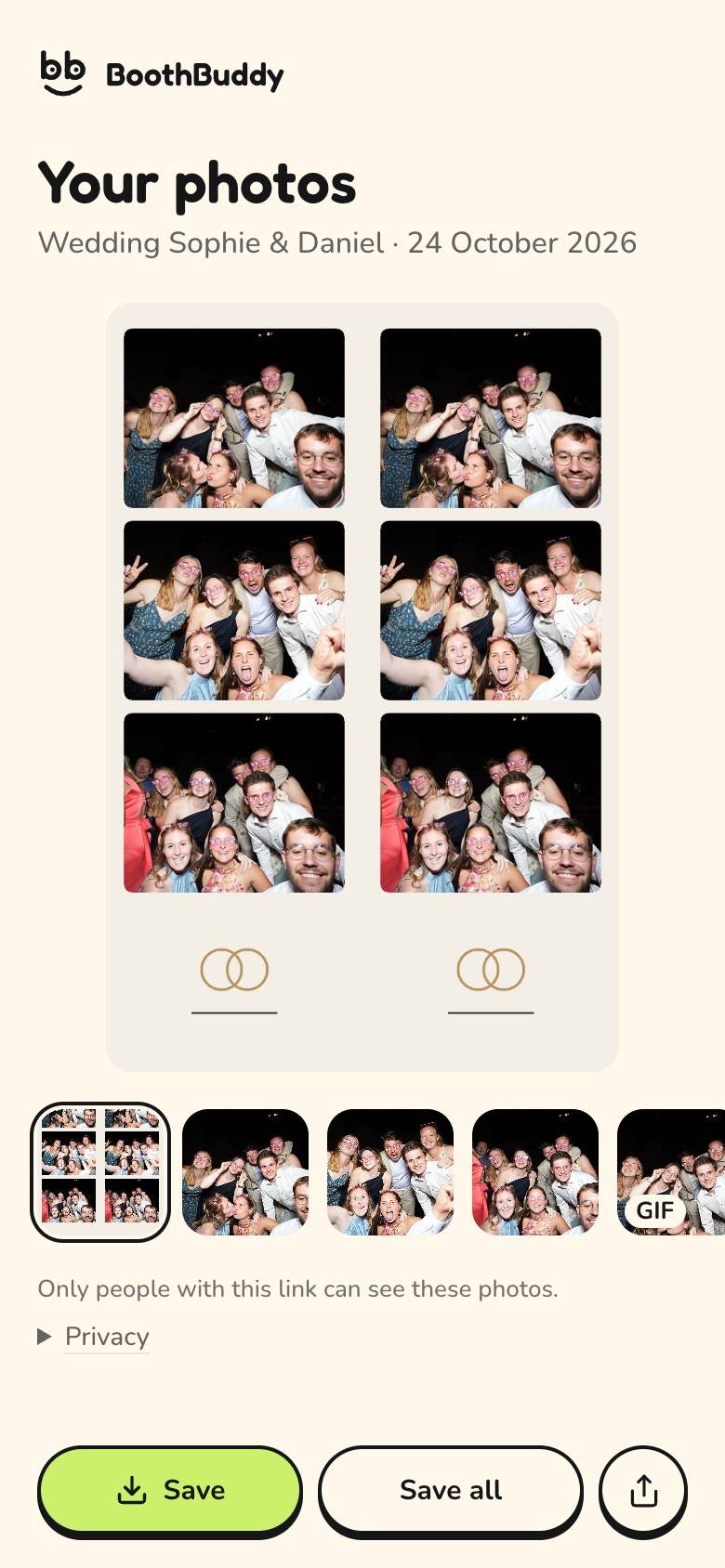
Behind the QR code is a page with the strip, each photo on its own and the GIF. Guests save everything to their Photos in one tap. Your client gets a private link to every photo from the event.
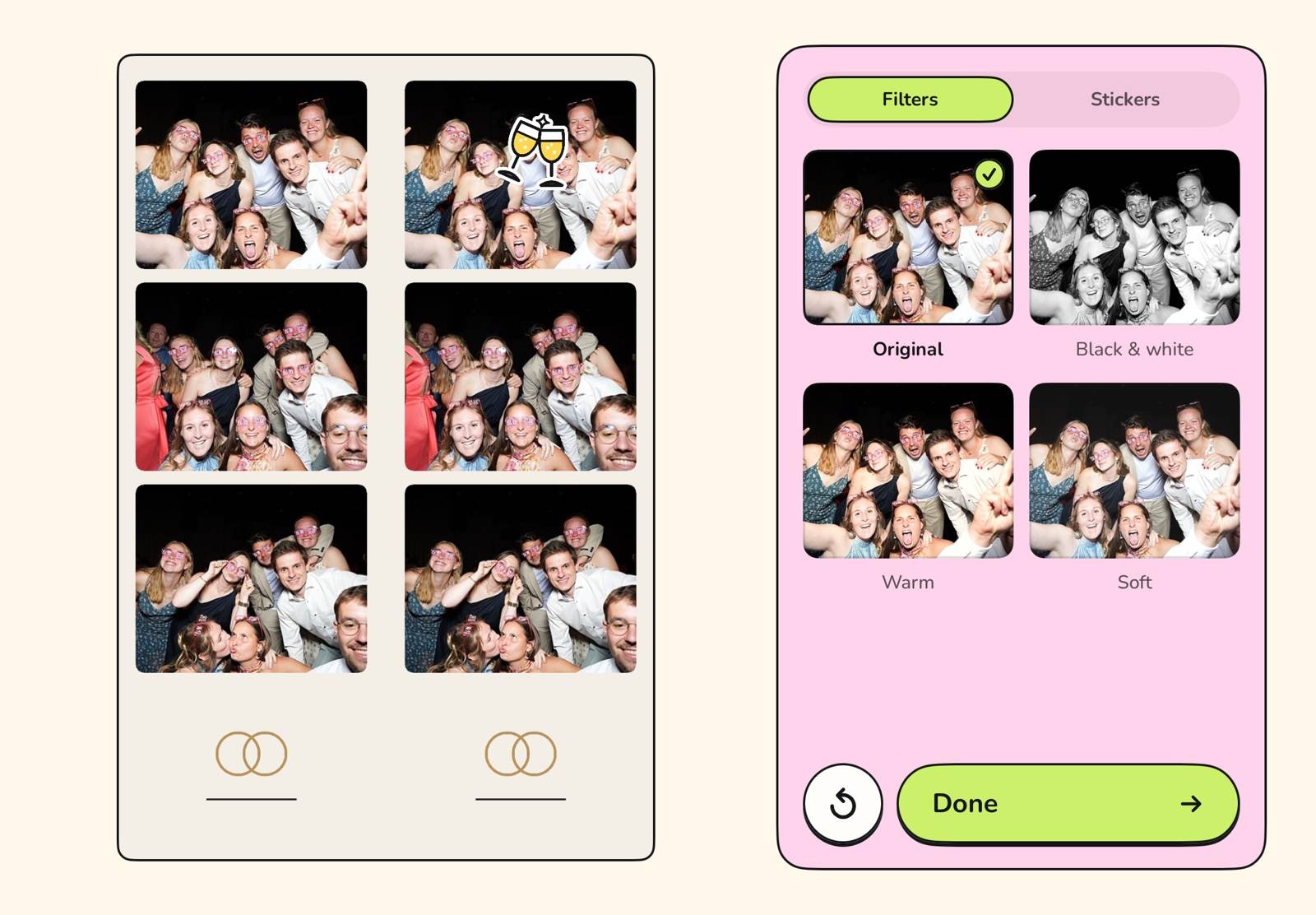
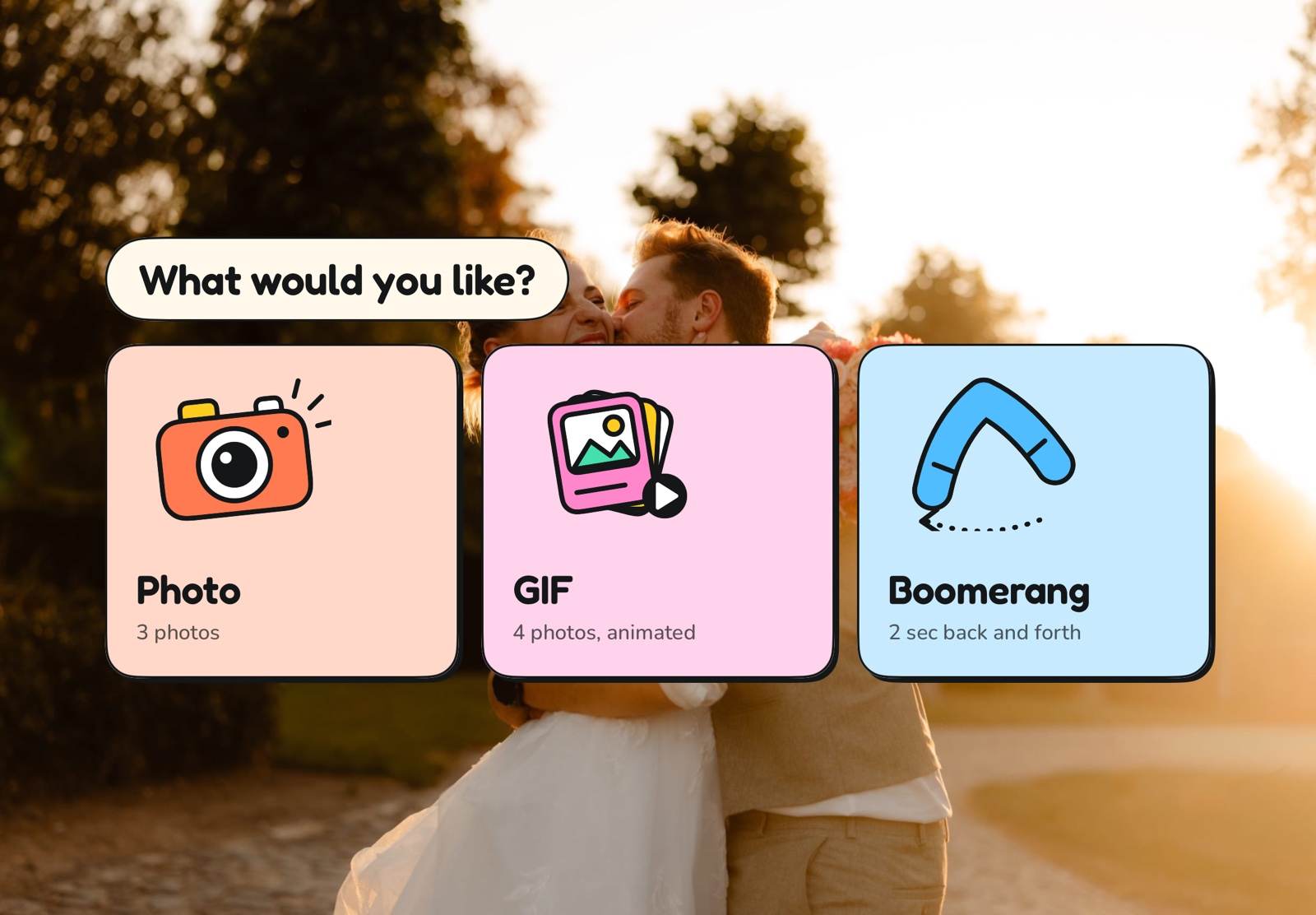
Guests tap anywhere on the start screen and go. Photo, GIF or boomerang, ten countdown styles, then filters and stickers. Big buttons, short sentences, and after sharing the booth starts over by itself.
No credit that stops the booth halfway through a party, no surcharge per photo or per print. A fast booth, good prints and photos that stay yours and your client's.
Not with us, but with you. Every photo is in your own storage and on the iPad.
You connect your own Google Drive or Dropbox: that is required, because that is where your photos are. One main folder, with a folder per event inside.
Every session also stays on the iPad: the strip, each photo on its own and the GIF, in the Files app.
If the internet drops, photos wait in a queue. They go online as soon as there is a connection again.
Hardware you probably already own as a rental business. No iPad? It also runs on Windows and Linux.
The booth runs on it, in your colours. With Guided Access, guests stay in the app.
Over USB-C on the iPad, with live view. RAW and JPEG stay on your card. A Sony needs USB mode PC Remote. No camera to hand? The iPad camera works too.
Via AirPrint, with a DNP WCM+ module or a Mac with printer sharing. A 2×6 strip prints doubled on 4×6.
To fetch the event and upload photos. During the event the booth works offline too.
You buy the app on the App Store; Pro and Luxe are one-time upgrades, in the web app or in the app. To use it you also pay €7 a month excl. VAT for the servers it runs on and their upkeep. The first month is free and you can cancel any month, with no term. Events and iPads are unlimited in every tier.
€25
The app, one-time on the App Store
Everything to run events:
€40
One-time: €15 on top of Basis
Everything in Basis, plus:
€60
One-time: €20 on top of Pro
Everything in Pro, plus:
€7
a month, excl. VAT
Required in every tier: the servers the app runs on and their upkeep, with the web app and your guests' galleries. Your photos are in your own Drive or Dropbox. Cancel any month, no term.
The first month is free.
An iPad with USB-C, the app from the App Store and an account in the web app. For the best photos, connect a Canon or Sony over USB-C, and to print, a DNP via AirPrint. Without a camera the booth uses the iPad camera.
The app costs €25, once, on the App Store. Want more? Pro adds €15 (€40 in total) and Luxe another €20 (€60 in total), also one-time. On top of that you must pay €7 a month excl. VAT for the servers the app runs on and their upkeep. The first month is free and you can cancel any month. Nothing else: no fees per event, per photo or per print.
Partly, and it's better you know up front. You buy the app and the upgrades once and they stay yours, even on a new iPad with the same Apple ID. But to use them you also pay €7 a month excl. VAT, because the app runs on our servers and those need upkeep. There is no term: you can cancel any month.
Yes. The iPad fetches the event in advance and keeps it. During the event everything works without internet: taking photos, printing and AirDrop. Uploads to the gallery and to your Drive or Dropbox wait in a queue and go online by themselves once there is a connection. Guests who scan the QR code see their photos as soon as the iPad has been able to upload them.
Create an account, choose your accent colour and design your first event. The first month of hosting is free.
30 days free, no card needed. The monthly payment only starts when you start it yourself in the web app: €7 a month excl. VAT; VAT is added where it applies. Renews automatically every month until you cancel. First payment after the 30 free days. Cancel in the web app, any month, no minimum term.