How it works
You set up an event in the web app. On location everything runs on the iPad, with your Canon or Sony and your DNP. Afterwards the photos are in your own Drive or Dropbox, and your guests see them in their gallery.
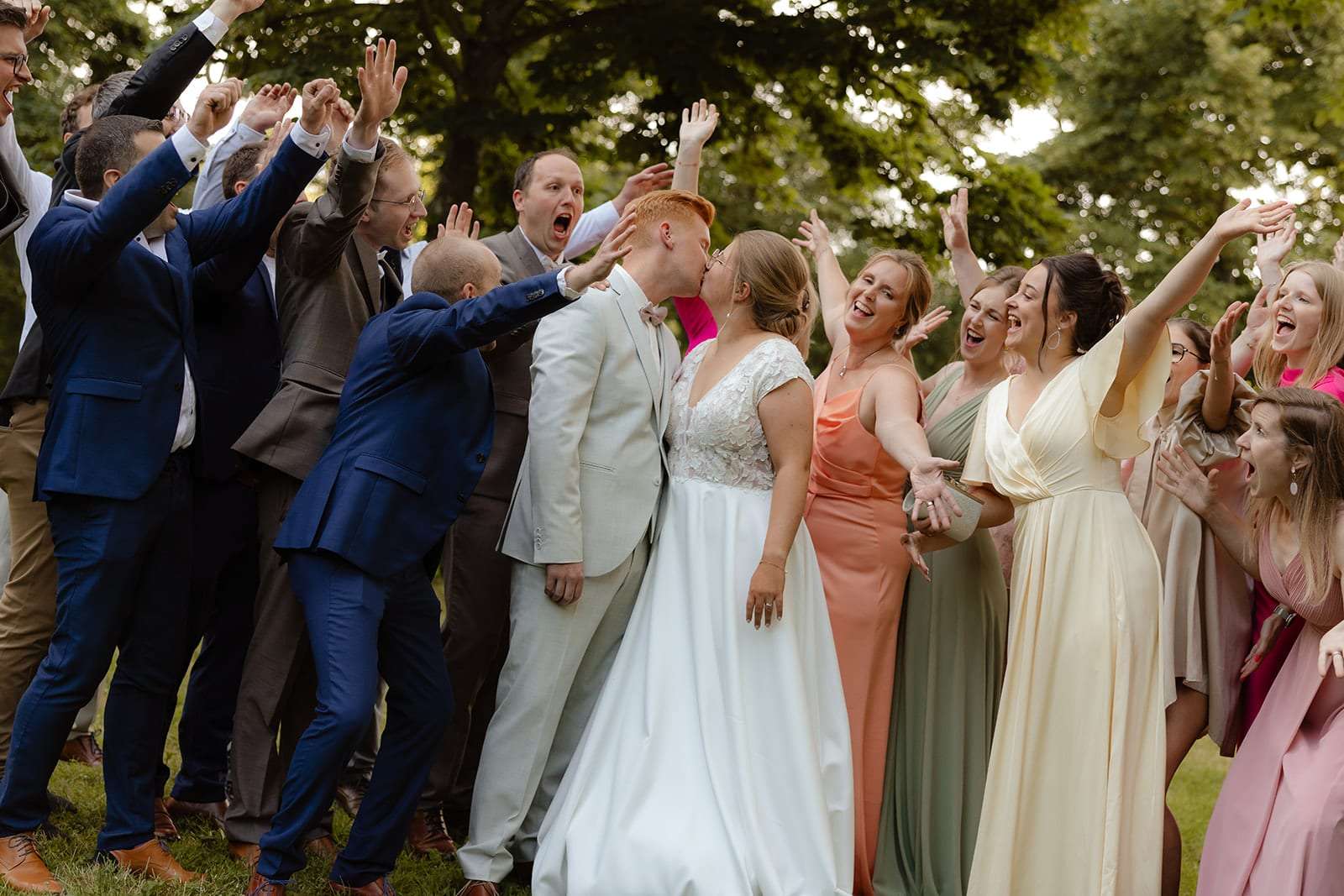
Before the event, in the web app
- Create your account and set your accent colour. With Luxe, upload your logo too.
- Create an event: name, date and client. Or duplicate a previous event.
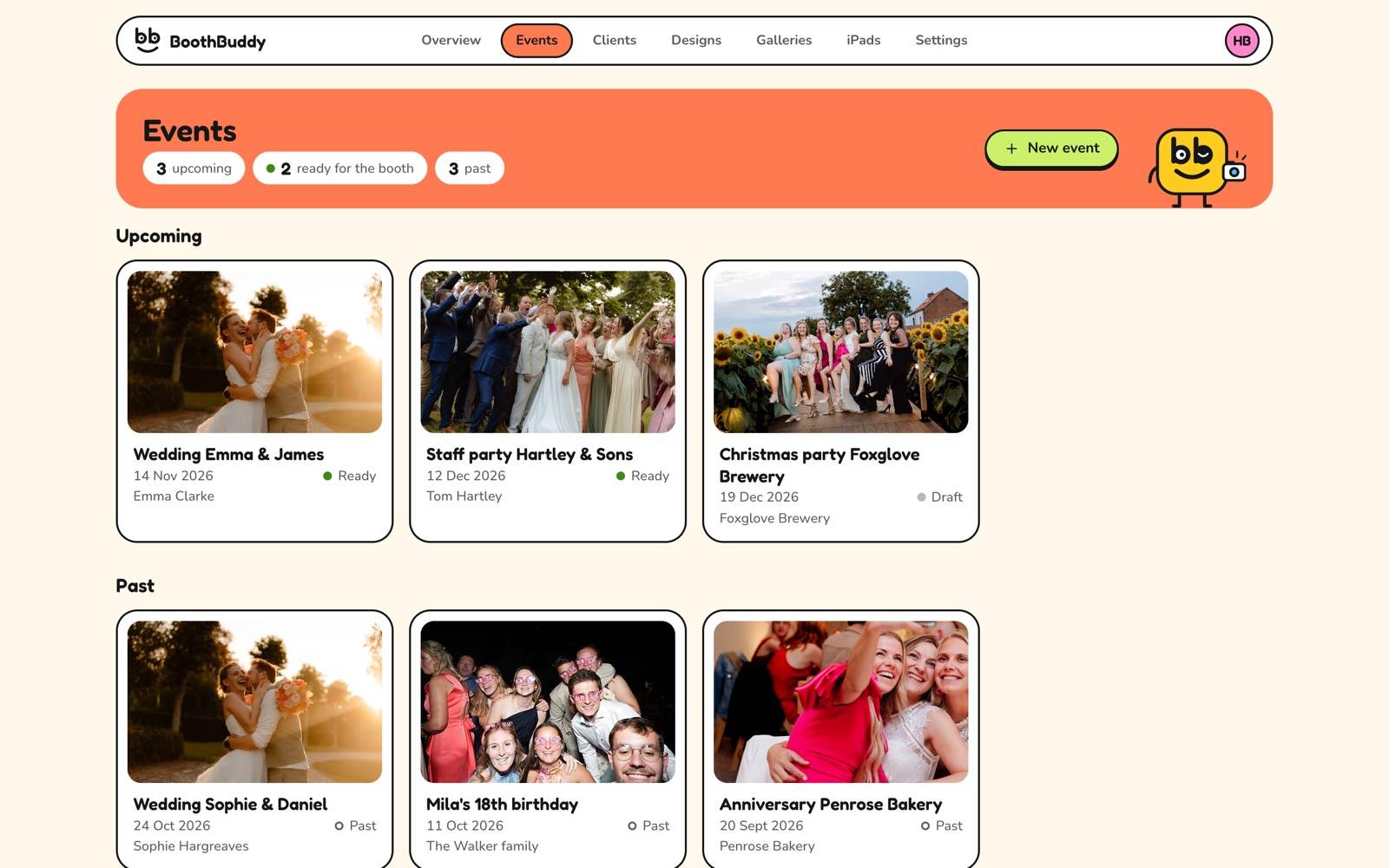
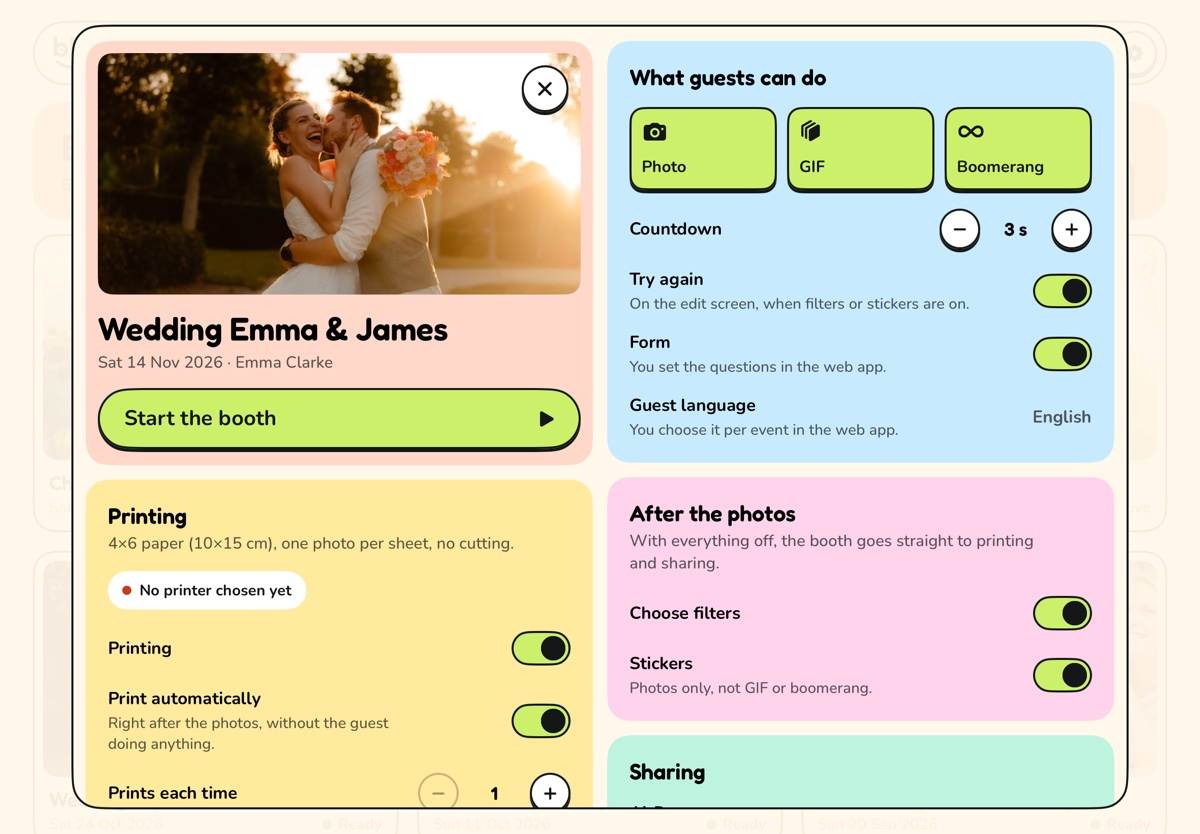
- Pick the format, your design and the start screen, and what guests can do: photo, GIF or boomerang, filters, stickers, printing and sharing.
- Pair your iPad once with a ten-digit code.
- Set the event to Ready. The iPad fetches it and keeps it for offline use.
At the event, on the iPad
- Connect your Canon or Sony with a USB-C cable. The booth sets up the camera and shows a live view.
- Choose your printer: your DNP via AirPrint.
- Open the event and tap Start.
- Guests tap the start screen, look at the camera and get their strip.
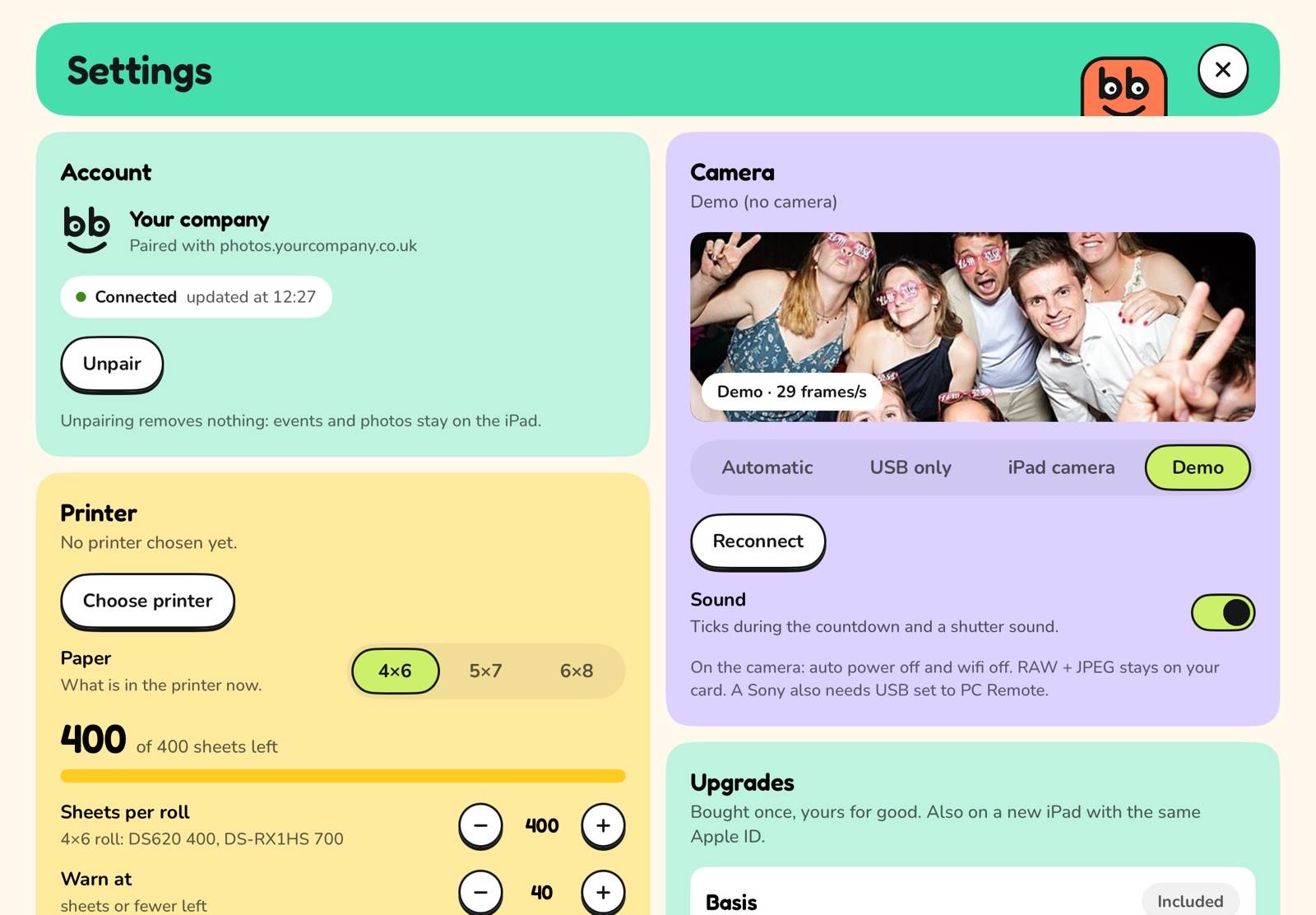
- The operator menu, behind your PIN, shows camera, printer, uploads and battery.
After the event, it's all there
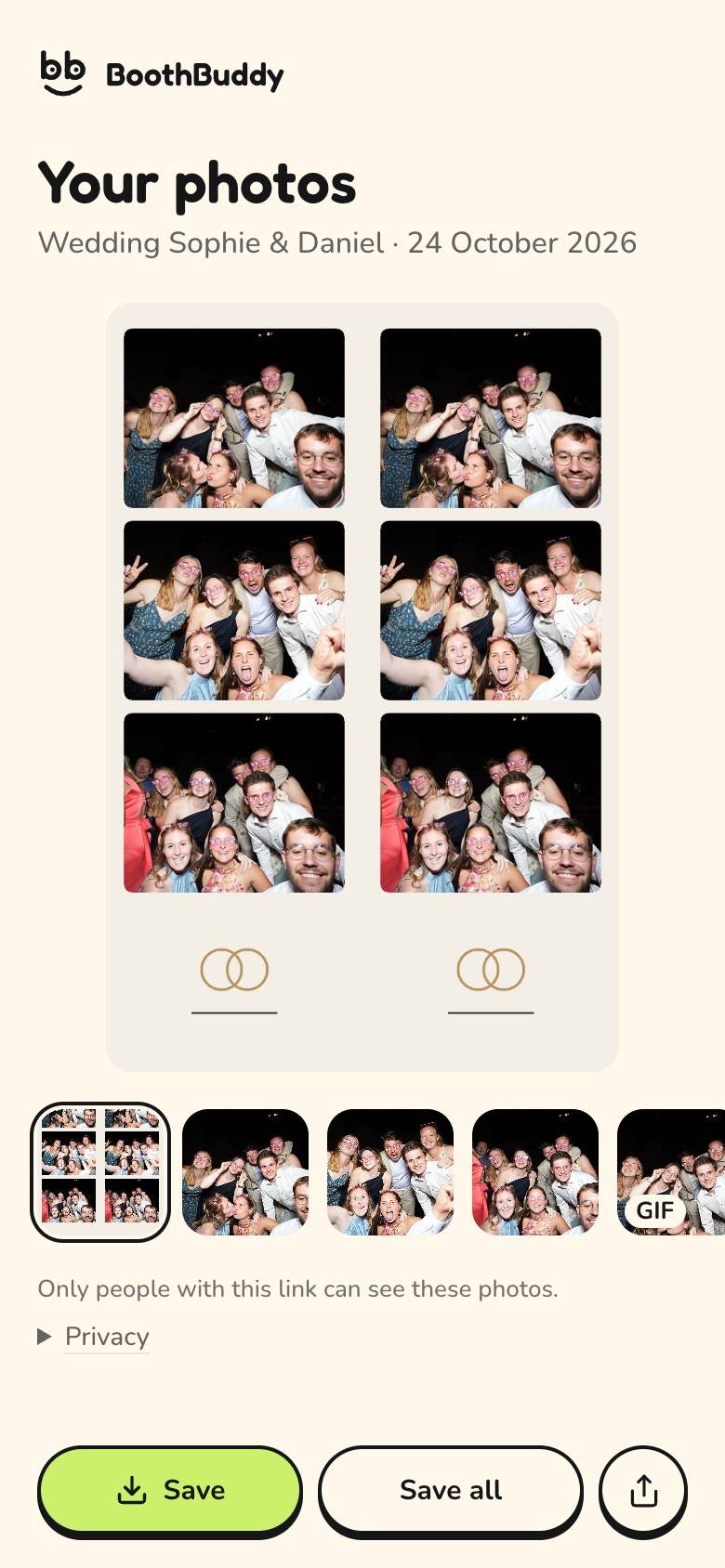
- Your client gets a private link to the event gallery, and a report with the numbers if you like.
- Everyone who left their details is in your guests list, with a CSV export.
- Every photo is in your Drive or Dropbox, in the event's folder, and on the iPad itself.
The hardware
No special boxes or print server of your own. What you need, and what to watch for.
iPad
An iPad with a USB-C port. Turn on Guided Access so guests stay in the booth. The booth works in portrait and landscape.
Canon or Sony
Connect it to the iPad with a USB-C cable, take the lens cap off and turn auto power off and wifi off. On a Sony, set USB mode to PC Remote. A dummy battery with a mains adapter helps on long events. RAW and JPEG stay on your SD card; the booth gets a copy of the JPEG.
No camera, or it drops out?
The iPad camera works too. If your camera disconnects during an event, the booth switches to the iPad camera and reconnects as soon as it is back. If focusing fails, it takes the photo anyway.
DNP printer
Printing via AirPrint, with a DNP WCM+ module or a Mac with printer sharing on. 4×6 portrait or landscape, 2×6 strips doubled on 4×6 with a cut, and 5×7 or 6×8 if your printer has that paper.
Internet
Wifi or a hotspot to fetch the event and upload the photos. No connection? The booth carries on and uploads later, newest guest first.
Windows or Linux
The web app and the booth also run on a Windows or Linux computer, with a webcam or a Canon or Sony in webcam mode. You print through the computer's printer. Tethered RAW+JPEG capture is iPad only.
Frequently asked questions
All questions Which cameras work?
On the iPad, the booth works with Canon EOS R and Sony cameras over USB-C, with live view. Set a Sony to USB mode PC Remote. Not sure about your model? Just email us. The iPad camera always works, as an alternative or as a backup.
Which printers can I use?
A DNP via AirPrint: with a DNP WCM+ module, or with a Mac that has printer sharing turned on. You print 4×6 portrait or landscape, or 2×6 strips, two per 4×6 with a cut. If your DNP takes other paper, such as 5×7 or 6×8, that works too.
Does the booth work without internet?
Yes. The iPad fetches the event in advance and keeps it. During the event everything works without internet: taking photos, printing and AirDrop. Uploads to the gallery and to your Drive or Dropbox wait in a queue and go online by themselves once there is a connection. Guests who scan the QR code see their photos as soon as the iPad has been able to upload them.
Ready for your next event?
Create an account, choose your accent colour and design your first event. The first month of hosting is free.
30 days free, no card needed. The monthly payment only starts when you start it yourself in the web app: €7 a month excl. VAT; VAT is added where it applies. Renews automatically every month until you cancel. First payment after the 30 free days. Cancel in the web app, any month, no minimum term.